Students can Check the Results on the Official Website of the Board
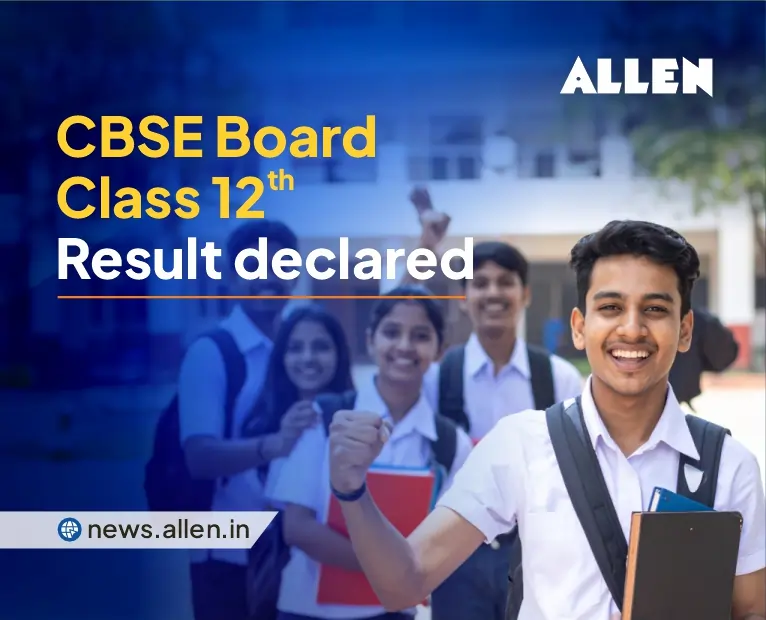
The wait for millions of students across the country is finally over. The Central Board of Secondary Education has released the CBSE Class 12 Result 2026. Students who took the 12th board exam this year can now check their results online.
The board has made the results available on the official website, results.cbse.nic.in.

This year, there was considerable excitement among students and parents regarding the results. Keeping students’ convenience in mind, the board has provided multiple platforms for viewing the results, ensuring easy access to the scorecards even when the website is experiencing heavy traffic.
Where to Check CBSE Class 12 Result 2026?
Students can check their results through the following official websites and mobile apps:
Official Websites
- [CBSE Official Website](https://www.cbse.gov.in)
- [CBSE Results Portal](https://results.cbse.nic.in)
- [Results Gov Portal](https://results.gov.in)
- [DigiLocker](https://www.digilocker.gov.in)
Mobile Apps
- DigiLocker
- UMANG
Other Modes
- SMS Service
- IVRS (Interactive Voice Response System)
All of these options are aimed at providing students with hassle-free access to their marksheets on results day.

When were the CBSE 12th Board Exams held?
The CBSE Class 12 Board Exams 2026 were held from February 17, 2026, to April 10, 2026. The exams were conducted at various exam centres in India and abroad.
All papers were held in a single shift, from 10:30 a.m. to 1:30 p.m.
This year, millions of students appeared for the exams in Science, Commerce, and Arts streams. Now, all students can check their results online.
How to Download the CBSE Class 12 Result 2026
If you want to download your results, follow the simple steps below:
- First, go to the [CBSE Result Website](https://results.cbse.nic.in).
- Click on the “CBSE Class 12 Result 2026” link on the homepage.
- Now enter your Roll Number.
- Next, enter your School Number and Admit Card ID.
- After entering all the information correctly, click the Submit button.
- Your marksheet will appear on the screen.
- Download and print the scorecard for future reference.
How to Download Marksheets from DigiLocker?
Students can also download their digital marksheets and passing certificates through DigiLocker. Documents available on DigiLocker are considered completely valid and official.
To do this, students must log in to the DigiLocker app or website. Go to the CBSE section and enter your roll number and other information to access the digital marksheet.
Results Available Through SMS and IVRS
If the results website is slow or not opening, students can access their results through SMS and IVRS. Heavy traffic on the website can sometimes cause technical issues on results day, so the Board has provided alternative options.
What information will be on the marksheet?
The CBSE Class 12 Result 2026 marksheet will contain the following information:
- Student’s name
- Roll number
- Date of birth
- School name
- Subject-wise marks
- Total marks
- Grade
- Pass/Fail status
Students are advised to carefully check all the information on their marksheet. If they notice any errors, contact their school or the CBSE board immediately.
What to do after the results?
After the results are released, students can begin further studies and career planning. Students who performed well can apply for admission to prestigious colleges and universities across the country.
Those who are not satisfied with their marks can apply for rechecking or compartment exams.

Recommended Read:-
- CBSE & State Boards Released Top 20 Percentile
- Education Ministry Reconstitutes JEE Apex Board
- Best Study Habits for Success in Board Exams 2026
- RBSE to Conduct Class 10th & 12th Exams Twice a Year
- How to Manage IIT JEE and Boards Preparation Together
- How to Start Preparing for Class 10 Board from Day One
- How to Balance Board Exam and Entrance Exam Preparation
- How to Choose an Engineering College: Some Important Facts
- Time Management Tips for Class 12th Boards Without Panic
- CBSE Class 10th Two-Board Exam System: Know its Complete Details
- Engineering Education Continues to Dominate Career Choices in India
- CBSE Board Exams to be Conducted Twice a Year, Ministry of Education
- Your Path to the Stars: Courses and Institutes to Become an ISRO Scientist
- How to Evaluate a Coaching Institute Before Enrolling – Student’s Checklist
- Empowering Women’s Equality: 50,000+ Young Girls Pursuing Education in Kota
- ALLEN MANAS – An Initiative Towards Student Wellbeing & Mental Health Care